

Top 10 Google Drive Alternatives for Secure Cloud Storage
People all over the world use cloud storage to save important files. Photos, videos, personal documents, work files, and backups all live in the cloud now. Google Drive is popular, but many users are searching for google drive alternatives because they want more privacy, better security, or more storage at a fair price.
Pinterest users usually search for safe tools, comparisons, and easy solutions. This article is written specially for them, using simple words and clear explanations.
If you need project management features alongside file storage, explore these Trello alternatives.
Why People Are Switching From Google Drive
Google Drive is easy to use, but it has some problems. Many people worry about privacy because Google can scan data. Others feel the free storage is too limited and paid plans become expensive over time. Some users have also faced account restrictions without clear reasons.
Because of these issues, people now prefer google drive alternatives that give more control, better security, and flexible storage options.
Pair your cloud storage setup with ChatGPT hacks to speed up content creation and organization.
1. Dropbox – Easy and Reliable for Daily Use
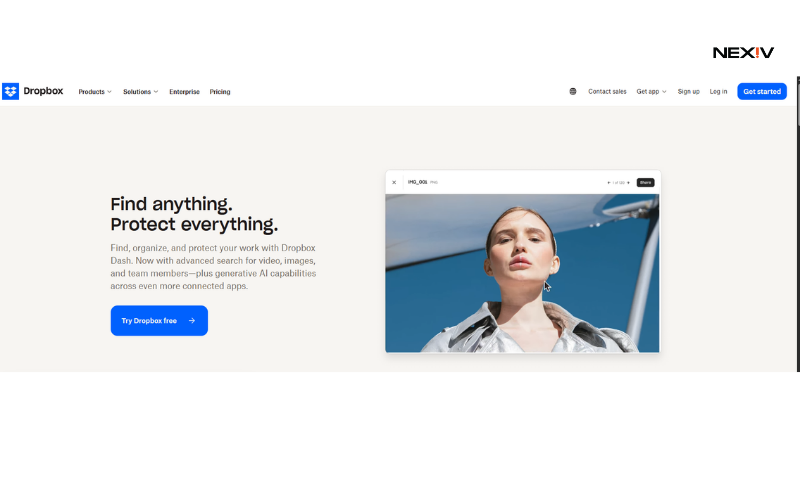
Dropbox is one of the most trusted cloud storage services in the world. It is designed for people who want something simple, fast, and reliable without confusion.
The best thing about Dropbox is how smoothly it syncs files across devices. You can start a file on your phone and continue on your laptop without problems. File sharing is also very easy, even for beginners. Security features include file encryption, activity tracking, and two-step verification.
Dropbox is a good google drive alternative for freelancers, students, and small teams who want stress-free cloud storage without learning complicated settings.
Students may also benefit from AI tools for students which can enhance study workflows.
2. pCloud – Best Choice for Long-Term Storage
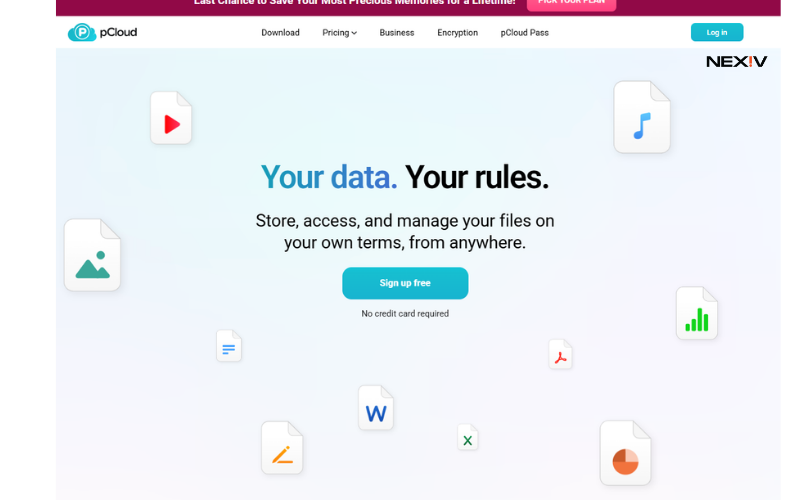
pCloud is a powerful cloud storage option for people who think long term. Unlike Google Drive, pCloud offers lifetime plans, meaning you pay once and use it forever.
Your files are protected with strong encryption, and you can add extra privacy features if needed. pCloud works well for storing large files like videos, photos, and backups. It also allows offline access, which is helpful when internet is slow.
For Pinterest users looking for cost-effective google drive alternatives, pCloud is a smart and popular option.
Using cloud storage effectively within a productive morning routine can help you start the day organized.
3. Sync.com – Best for Maximum Privacy
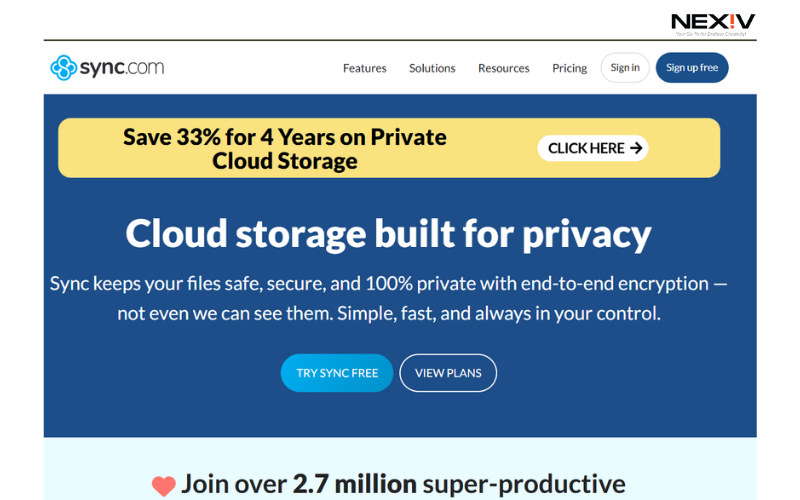
Sync.com is made for people who care deeply about privacy. This service uses zero-knowledge encryption, which means only you can see your files.
Even the company cannot access your data. File sharing links can be password protected and set to expire. This makes Sync.com ideal for personal documents, legal files, and business data.
Among all google drive alternatives, Sync.com is one of the safest options for users who want peace of mind.
If you store assets and content ideas, pairing that with newsletter ideas keeps your output flowing.
4. OneDrive – Perfect for Microsoft Users
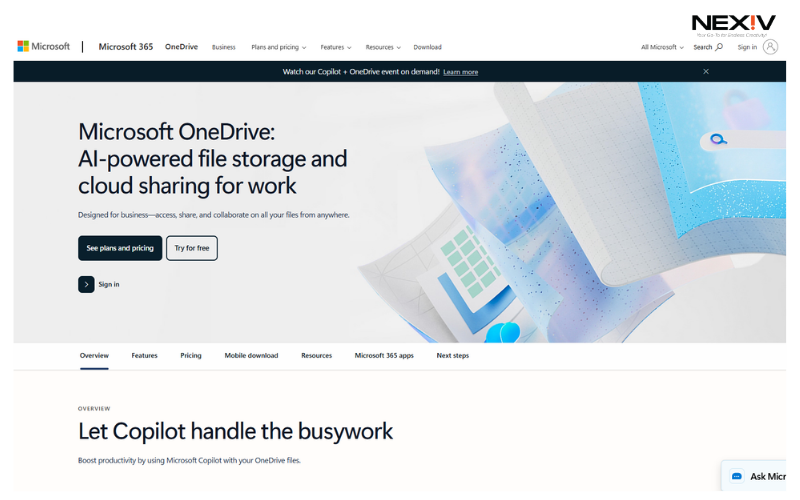
OneDrive is best for people who already use Windows and Microsoft Office. It connects smoothly with Word, Excel, and PowerPoint, making work easier.
Files sync automatically, and OneDrive includes a personal vault for sensitive data. You can access files on phone, tablet, or computer without issues.
As a google drive alternative, OneDrive works best for office workers, students, and remote teams using Microsoft tools.
5. Mega – Best Free Storage Option
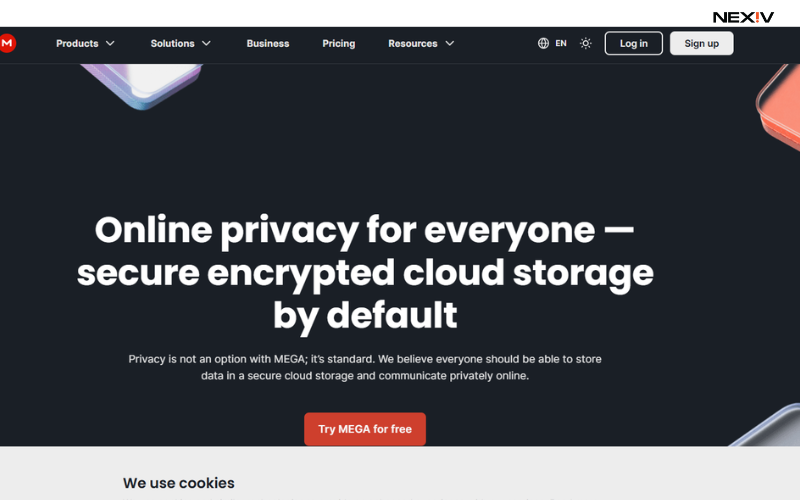
Mega is famous for giving a large amount of free storage compared to other cloud services. This makes it very attractive for users who need space without paying.
Mega uses end-to-end encryption, which means your files are protected from third-party access. It is great for large file uploads like videos and backups.
For people searching google drive alternatives with more free space, Mega is a strong choice.
6. iCloud – Best for Apple Device Users
iCloud is designed for Apple users and works smoothly in the background. Photos, files, and backups sync automatically across iPhone, iPad, and Mac.
Security features include encryption and account protection. While it is limited outside the Apple ecosystem, it works perfectly for users fully invested in Apple products.
iCloud is a reliable google drive alternative for Pinterest users who love Apple devices.
7. Box – Best for Business Collaboration
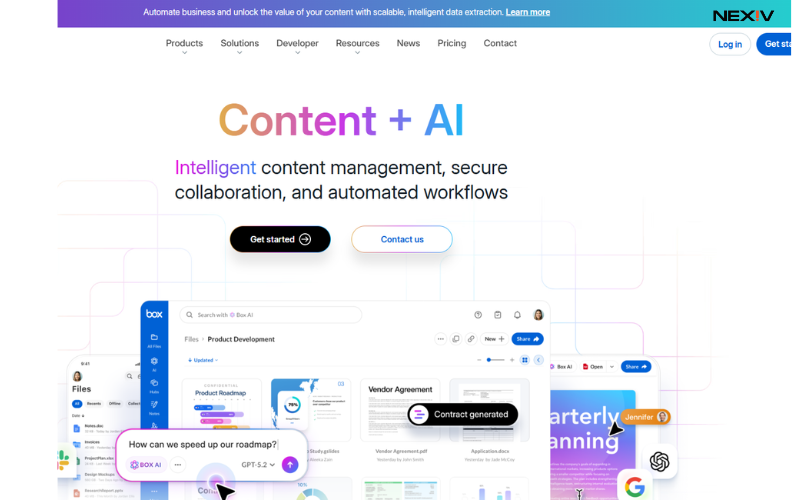
Box is designed for companies and professional teams. It offers advanced controls for file access, sharing, and permissions.
Businesses use Box to manage documents securely and collaborate without risking data leaks. It also supports compliance standards for industries like healthcare and finance.
As a professional google drive alternative, Box is best for serious business use.
8. Tresorit – Advanced Security for Professionals
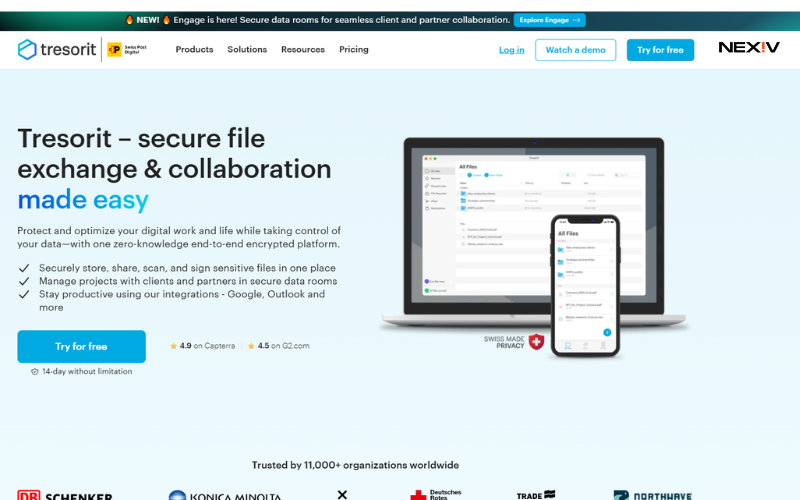
Tresorit focuses on strong encryption and secure sharing. Files are encrypted before they leave your device.
It is ideal for professionals handling sensitive data, such as lawyers, consultants, and remote teams. Sharing settings allow full control over who can view or edit files.
Tresorit is one of the most secure google drive alternatives, though it costs more.
9. Nextcloud – Full Data Control Solution
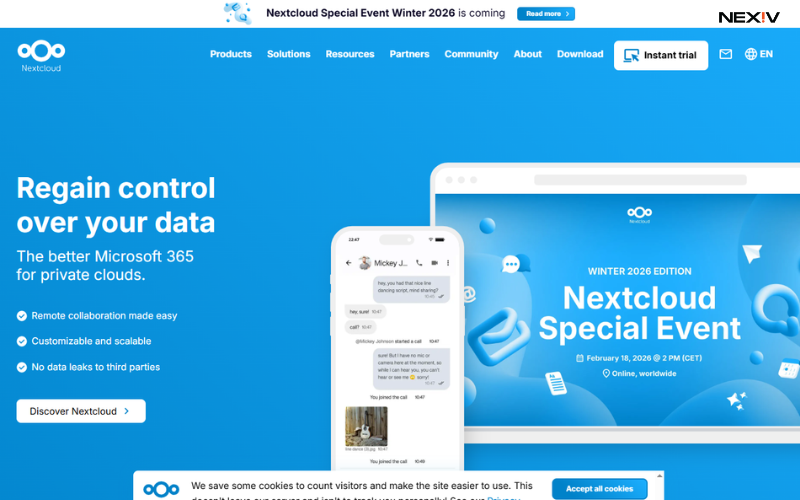
Nextcloud is an open-source cloud storage platform that you can host yourself. This gives full control over your data.
It is best for tech-savvy users and businesses who want complete privacy and customization. You decide where your data is stored and how it is managed.
Nextcloud stands out among google drive alternatives for users who want independence.
10. Zoho WorkDrive – Ideal for Small Teams
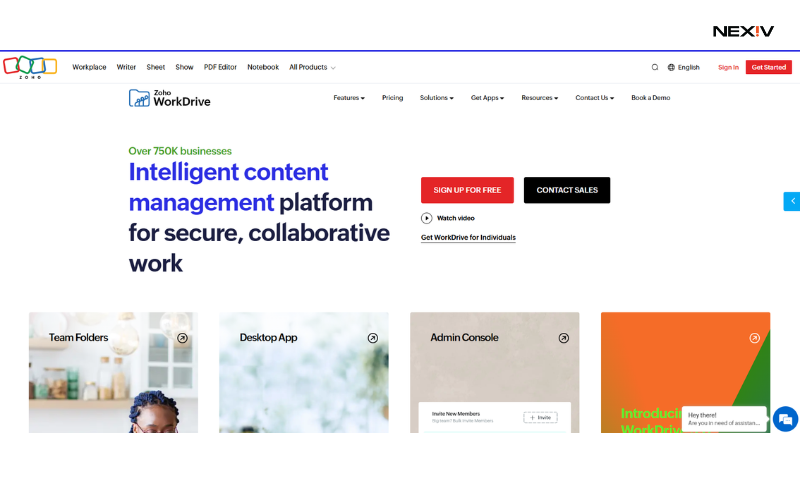
Zoho WorkDrive is built for teamwork and productivity. It allows teams to store, share, and manage files easily.
It integrates well with other Zoho tools and offers good security at affordable prices. Small businesses and startups find it very useful.
Zoho WorkDrive is a smart google drive alternative for growing teams.
Final Conclusion
Google Drive is not bad, but it is not the only choice anymore. Many people now prefer google drive alternatives that offer stronger security, better pricing, and more control.
This guide is written to help Pinterest users understand, compare, and choose the right cloud storage tool without confusion. Choose based on your real needs, not hype.