

8 Best Google Forms Alternatives You Need to Try Today
Online forms are used everywhere today. Bloggers use them to collect emails, businesses use them to get leads, and companies use them for surveys and feedback. Google Forms is free and simple, but it is very limited. The design looks basic, branding options are weak, and advanced features are missing.
That is why many people search for the best Google Forms alternatives that offer better design, more control, and stronger features.
Learn how professional design services can transform your brand presence — Graphic Design Services Agency Guide
Why People Look for Google Forms Alternatives
Google Forms works fine for basic surveys, but it is not enough for serious work. You cannot fully customize the design, advanced logic is limited, and it does not feel professional for business use.
If you want more sign-ups, better engagement, or a clean brand look, you need something better. This is where Google Forms alternatives become useful.
Using the right form tool helps you look professional, save time, and collect better data.
Discover how motion graphics can boost engagement and brand storytelling — Motion Graphics Animation Service Explained
1. Typeform – Best for Beautiful and Interactive Forms
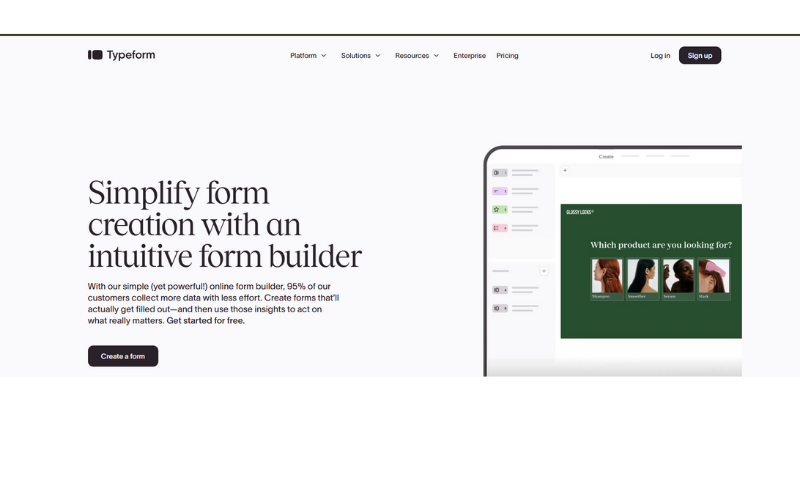
Typeform is one of the most popular tools when people search for the best Google Forms alternatives. It is known for its beautiful and interactive design.
Instead of showing all questions at once, Typeform shows one question at a time. This feels like a conversation and keeps users engaged. Because of this, people are more likely to complete the form.
Typeform is great for surveys, lead forms, quizzes, and signup forms. You can add logic jumps, images, videos, and branding easily.
The only downside is pricing. The free plan is limited, but for marketers and bloggers, it is worth the cost.
Curious about AI and the future of design careers? — Will AI Replace Graphic Designers?
2. Jotform – Best All-in-One Form Builder
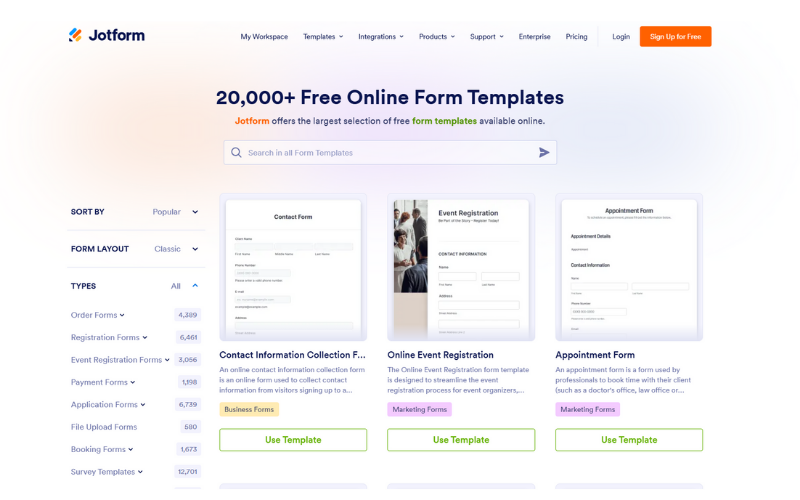
Jotform is a powerful and flexible tool that offers thousands of form templates. You can create almost any type of form without coding.
It supports contact forms, job applications, event registrations, surveys, and payment forms. Jotform works with PayPal, Stripe, and other payment tools.
The drag-and-drop builder is beginner-friendly, and customization options are much better than Google Forms.
Jotform is ideal if you want everything in one place.
Make your studies smarter and faster with AI tools — Best AI Tools for Students
3. Microsoft Forms – Best Simple Alternative for Office UsersMicrosoft Forms is best for users who already use Microsoft 365. It is clean, simple, and easy to use.
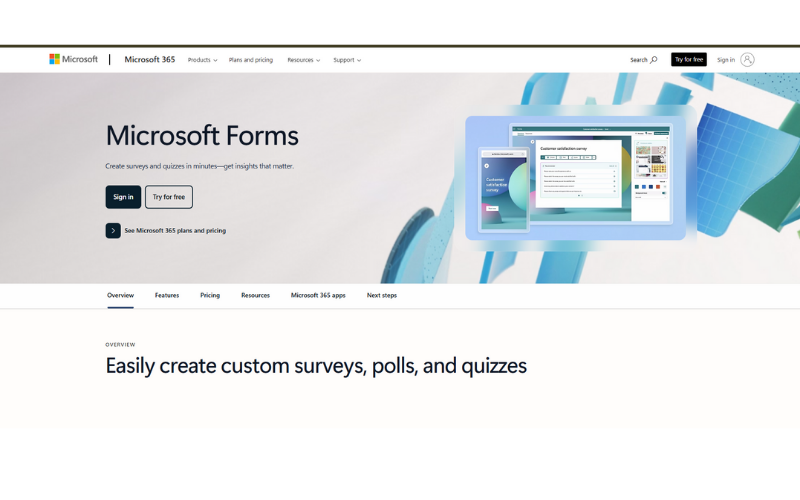
You can create surveys, quizzes, and polls quickly. Results are shown in charts and can be exported to Excel.
Design options are limited, but for schools, teachers, and internal teams, it works very well.
Want to identify songs from YouTube videos easily? — Learn How to Identify a Song in YouTube Videos
4. Zoho Forms – Best for Business Automation
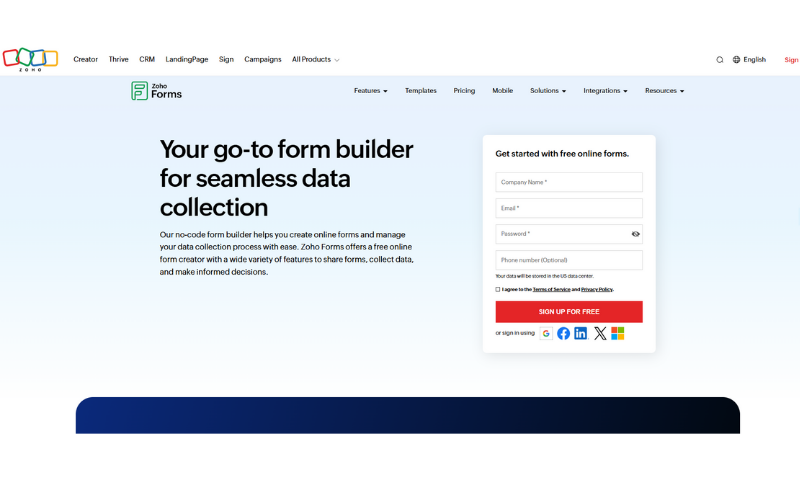
Zoho Forms is built for businesses that want automation. It works perfectly with Zoho CRM and other Zoho tools.
You can create smart forms with approval workflows, email notifications, and advanced logic. It is great for lead management and customer data collection.
It may feel advanced at first, but it is very powerful.
Remove backgrounds from images professionally within seconds — Best Image Background Remover Tools
5. Wufoo – Best for Fast and Easy Setup
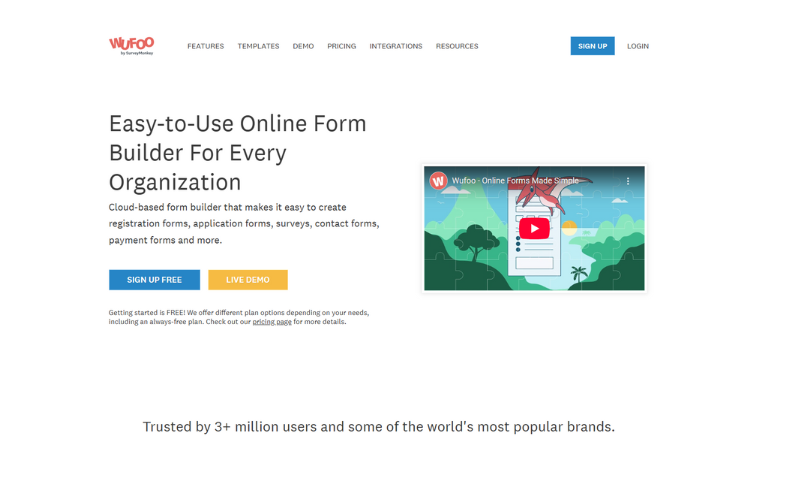
Wufoo focuses on speed and simplicity. You can create forms very quickly using its drag-and-drop builder.
It supports payments, file uploads, and reporting tools. The design is simple but clean.
Wufoo is good for small businesses and freelancers who want quick results.
New to freelancing platforms? — What is Fiverr and How It Works
6. Formstack – Best for Advanced and Secure Forms
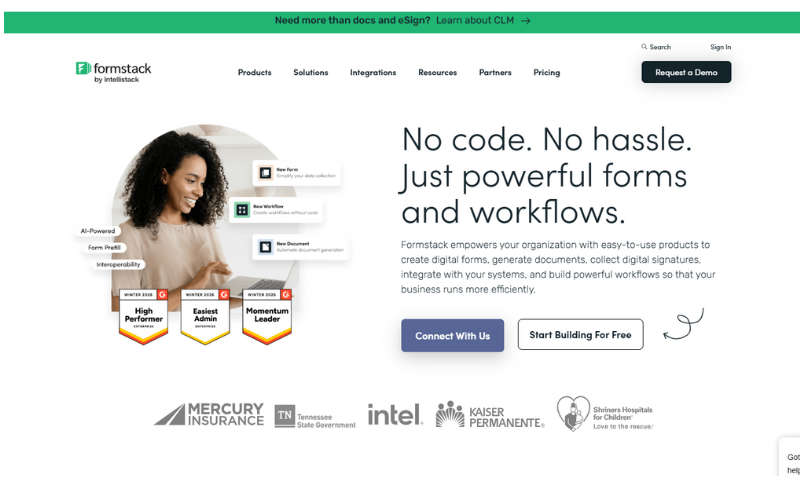
Formstack is designed for organizations that need strong security and advanced workflows.
It is commonly used in healthcare, education, and enterprise environments. You can automate tasks, manage approvals, and protect data.
It is expensive, but very reliable.
Planning to launch a website? Start with the right domain — How to Register a Domain Name
7. Cognito Forms – Best for Calculations and Logic
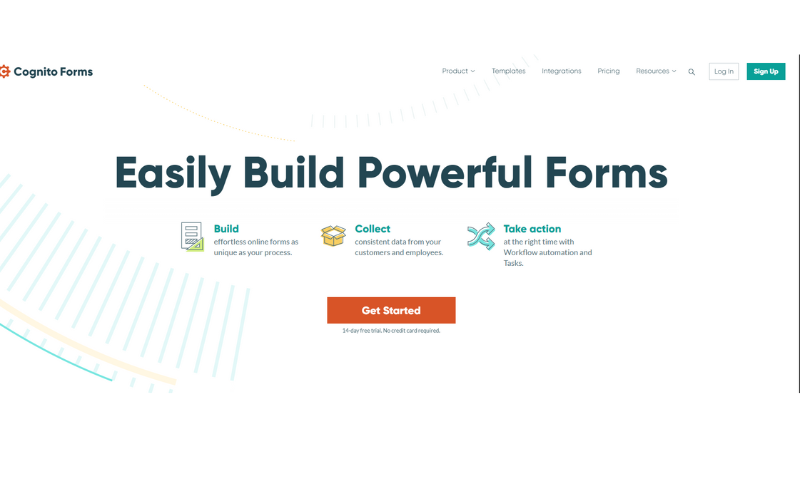
Cognito Forms is perfect if your forms need calculations. You can create order forms, invoices, and quote forms easily.
It supports conditional logic, repeating sections, and payment options.
This tool is great for service providers and small businesses.
Learn to manage your website confidently — WordPress Admin Dashboard Step-by-Step Guide
8. SurveyMonkey – Best for Professional Surveys
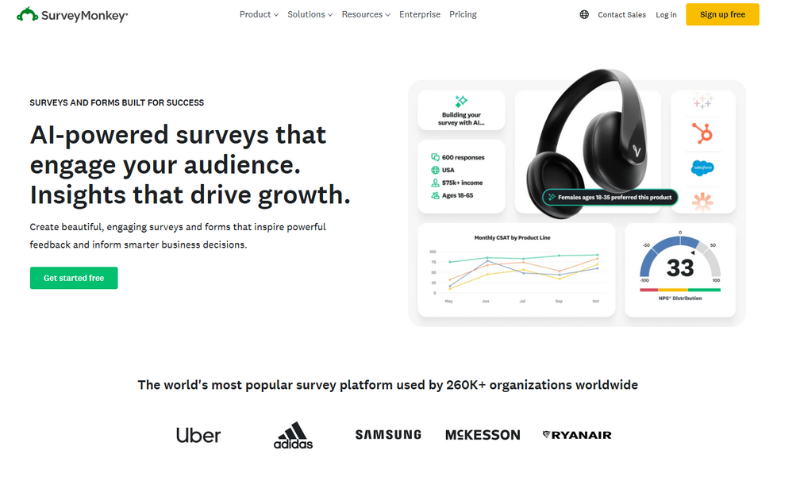
SurveyMonkey is one of the best tools for surveys and research. It offers advanced question types and powerful analytics.
If your goal is feedback, market research, or customer satisfaction surveys, this tool is ideal.
Pricing is high, but results are professional.
Looking for better scheduling tools? — Top Calendly Alternatives
Final Thoughts
Google Forms is a good starting point, but it is not enough for serious blogging or business growth. Choosing the right alternative helps you collect better data and look more professional.
All the tools listed above are trusted and widely used. Choose the one that matches your goals and budget.
This guide is made to help Pinterest users find the best Google Forms alternatives quickly and easily.
Want platforms similar to Pinterest for inspiration and marketing? — Best Pinterest Alternatives
FAQs – Best Google Forms Alternatives
What are Google Forms alternatives?
Google Forms alternatives are online tools that help you create forms, surveys, quizzes, and registrations with more features. These tools usually offer better design, logic rules, integrations, and payment options than Google Forms.
Why should I use a Google Forms alternative?
You should use an alternative if you want better design, more control, advanced logic, branding options, or payment collection. Google Forms is basic and limited, especially for business and marketing use.
Are Google Forms alternatives free?
Some tools offer free plans, but most advanced features require a paid plan. Free versions usually limit submissions, storage, or branding.
Which Google Forms alternative is best for beginners?
Jotform and Microsoft Forms are best for beginners. They are easy to use and do not require technical skills.
Need ready-made Pinterest templates for faster content creation? — Free Pinterest Templates for Canva
Which tool is best for surveys?
SurveyMonkey and Typeform are best for surveys. SurveyMonkey is better for data analysis, while Typeform is better for user engagement.
Can I collect payments with Google Forms alternatives?
Yes. Tools like Jotform, Cognito Forms, Wufoo, and Formstack allow you to collect payments using PayPal, Stripe, and other gateways.
Are these tools safe to use?
Yes, most popular Google Forms alternatives follow strong security standards. Some tools like Formstack are built specifically for high-security needs.
Which alternative is best for business use?
Zoho Forms and Formstack are best for business use because they support automation, CRM integration, and workflows.